
Download DVB Viewer – Free Digital TV Software for Windows, Secure & Lightweight
Experience Live Digital TV on Your PC with DVB Viewer
DVB Viewer is a powerful, lightweight, and free digital TV software designed for Windows users who want to enjoy live television broadcasts directly on their PC. Whether you're in Poland, Portugal, Lithuania, or any other country with DVB-compatible signals, this software allows you to tune into digital TV channels without the need for a physical TV set. With support for DVB-T, DVB-T2, and DVB-H standards, DVB Viewer ensures compatibility with modern digital terrestrial broadcasting systems across Europe and beyond.
One of the standout features of DVB Viewer is its minimal system footprint. Unlike many video software tools that consume significant storage and RAM, DVB Viewer is designed to be efficient and fast, making it ideal for older or low-spec machines. Despite its small size, it delivers full-featured TV viewing, including channel scanning, electronic program guides (EPG), and recording capabilities. The software is regularly updated, with the latest version being 4.6.1.0, released on June 21, 2011, ensuring compatibility with evolving broadcast formats.
Although the software has been around since 2011, its popularity remains strong—over 13,000 downloads to date, with consistent weekly usage. It’s available in multiple languages, including English, Spanish, and German, making it accessible to a global audience. Whether you're a casual viewer or a tech enthusiast looking to build a personal TV server, DVB Viewer offers a reliable and user-friendly solution for streaming live digital TV on your computer.
Key Features of DVB Viewer – What Makes It Stand Out
DVB Viewer isn’t just another TV tuner app—it’s a fully-featured digital TV platform with a range of capabilities that make it a top choice for Windows users. One of the most valuable features is its support for multiple DVB standards: DVB-T, DVB-T2, and DVB-H. This ensures compatibility with both legacy and modern digital terrestrial broadcasts, giving users access to a wide variety of channels across Europe and other regions with similar broadcasting systems.
Another major highlight is the built-in Electronic Program Guide (EPG), which provides real-time information about current and upcoming shows. Users can browse schedules, set reminders, and even schedule recordings automatically—perfect for catching your favorite programs without missing a beat. The software also supports time-shifting, allowing you to pause, rewind, and fast-forward live TV, just like a DVR system.
Recording functionality is another strong suit. DVB Viewer enables users to save live broadcasts directly to their hard drive in various formats, including MPEG-2 and AVI. This is especially useful for archiving sports events, news, or educational content. The software also features a user-friendly interface with customizable layouts, allowing you to tailor the viewing experience to your preferences. Additional features include support for multiple tuners (if you have more than one DVB device), remote control support, and integration with external EPG sources for enhanced accuracy.
For those looking to extend their viewing experience, DVB Viewer can be paired with a DVB-T2 USB tuner or a built-in TV card to receive over-the-air signals. It’s also compatible with network streaming, so you can share your TV feed across devices in your home network. These features, combined with its free and secure nature, make DVB Viewer a compelling option for anyone seeking a robust, no-cost solution for digital TV on Windows.
How to Install and Use DVB Viewer on Your Windows PC
Getting started with DVB Viewer is straightforward and requires minimal technical knowledge. First, ensure your PC has a compatible DVB tuner—this can be a USB DVB-T2 stick, a PCI/PCIe TV card, or an integrated tuner in your motherboard. Most modern DVB-T2 USB dongles are plug-and-play with Windows, but it’s recommended to check compatibility with the DVB Viewer official website before purchasing.
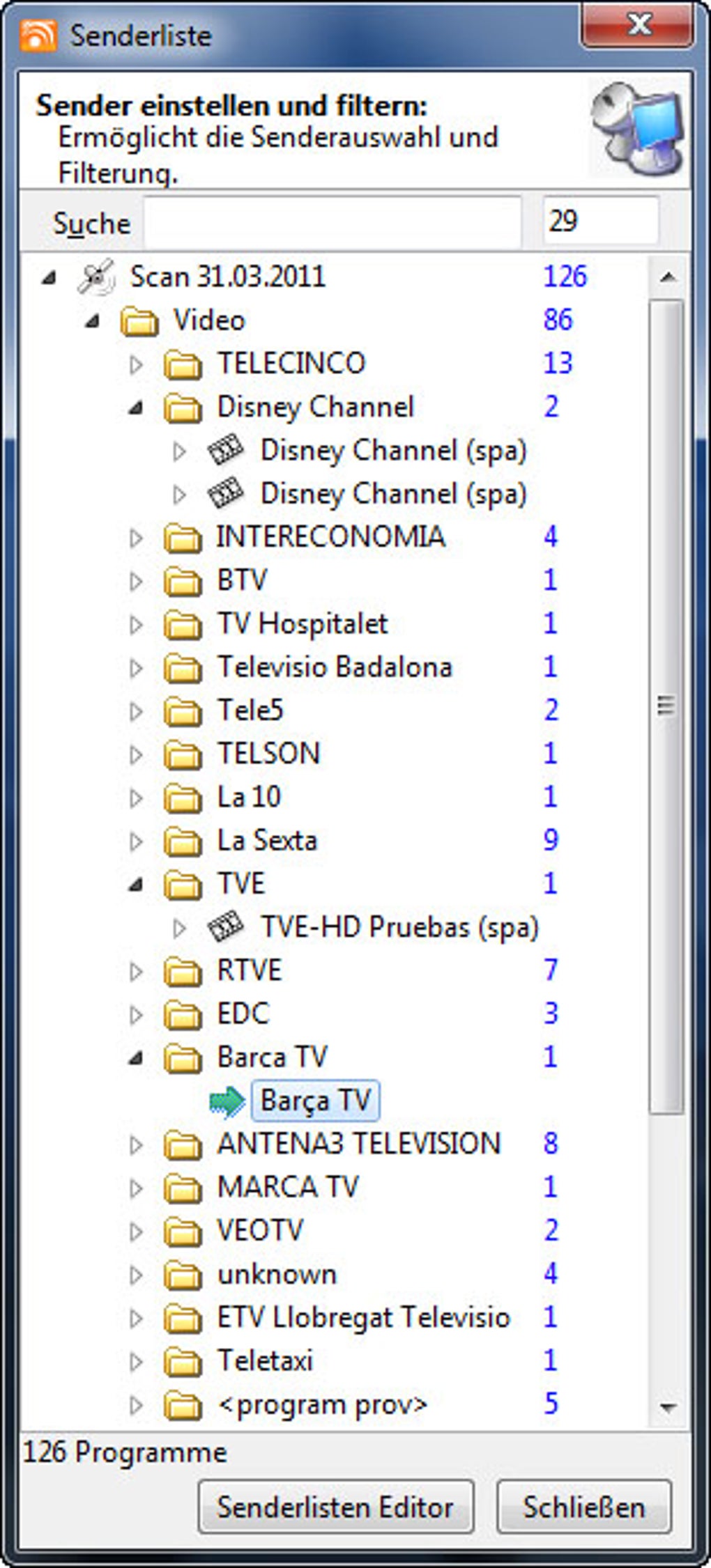
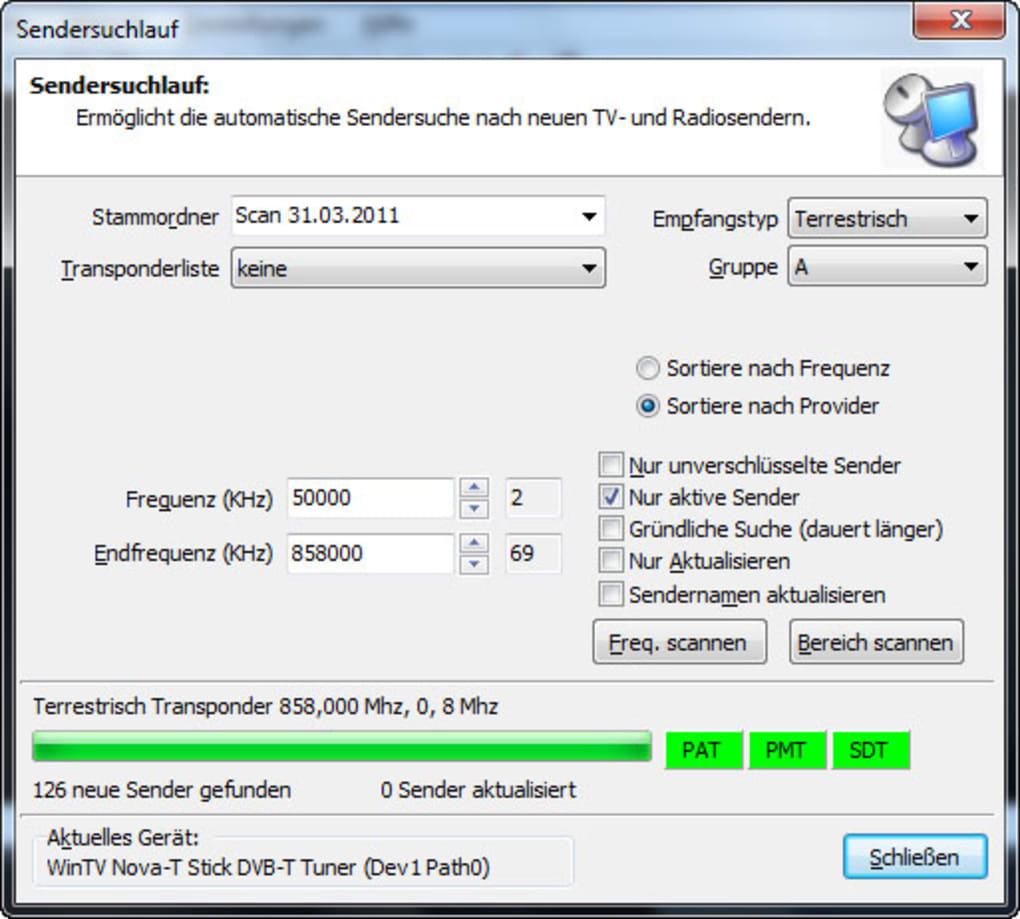
Next, download the free trial version of DVB Viewer from a trusted source. The installation process is quick—just run the installer, accept the license agreement, and follow the on-screen prompts. Once installed, launch the software. The first-time setup will guide you through scanning for available channels. Simply select your country and signal type (DVB-T, DVB-T2, or DVB-H), and the software will automatically detect and list all available channels.
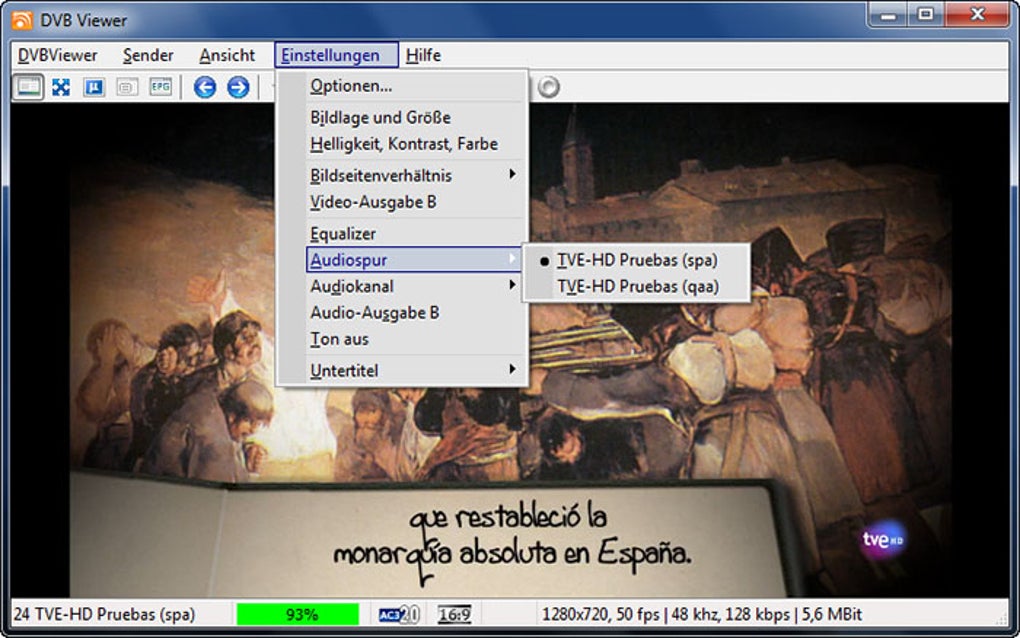
After scanning, you can begin watching live TV immediately. Use the EPG to browse programs, set recordings, or use the time-shifting feature to pause live content. For advanced users, the settings menu allows you to fine-tune audio and video output, adjust buffer sizes, and configure external EPG sources. You can also enable remote control support if you're using a USB IR receiver.
For those interested in network streaming, DVB Viewer supports streaming over LAN or the internet, allowing you to watch your favorite channels on tablets or smartphones. This makes it an excellent choice for building a personal media center. Regular updates ensure the software remains stable and compatible with new broadcast formats, so it’s wise to check for updates periodically.
Compatibility & System Requirements
DVB Viewer is specifically designed for Windows operating systems, supporting Windows 2000 and earlier versions. While this may seem outdated compared to modern Windows releases, the software remains functional on older systems, which is a significant advantage for users with legacy hardware. However, users running Windows 7, 8, or 10 may experience compatibility issues unless they run the software in compatibility mode or use a virtual machine.
For optimal performance, your PC should have at least a 1 GHz processor, 512 MB of RAM, and 100 MB of free disk space. A stable internet connection is recommended for EPG updates and remote streaming. The software is available in multiple languages, including English, Spanish, German, Polish, and Portuguese, making it accessible to a wide international audience.
While DVB Viewer doesn’t currently support Mac, Android, or iOS, users on these platforms can still access live TV via alternative apps like ProgDVB or Mobile TV Viewer, which offer similar functionality. However, for Windows users, DVB Viewer remains one of the most reliable and feature-rich options for digital TV reception. It’s important to note that the software is free to download and use, though the trial version may have limited features compared to the full version (if available).
Pros and Cons of Using DVB Viewer
- Pros:
- Free to download and use with no hidden costs
- Lightweight and efficient, ideal for older PCs
- Supports DVB-T, DVB-T2, and DVB-H standards
- Includes EPG, time-shifting, and recording features
- Minimal system resource usage
- Available in multiple languages
- Stable and reliable for long-term use
- Cons:
- Only compatible with Windows 2000 and earlier versions
- No native support for Mac, Android, or iOS
- Outdated interface compared to modern apps
- Limited updates since 2011 (though still functional)
- May require compatibility mode on newer Windows systems
Frequently Asked Questions (FAQ)
Is DVB Viewer free to download and use?
Yes, DVB Viewer is completely free to download and use. There is no subscription or paywall required. The software is available for personal use without any cost, making it an excellent choice for budget-conscious users.
What types of digital TV signals does DVB Viewer support?
DVB Viewer supports DVB-T, DVB-T2, and DVB-H signals, which are used for digital terrestrial television broadcasts in Europe and other regions. This ensures compatibility with a wide range of over-the-air TV channels.
Can I record TV shows with DVB Viewer?
Yes, DVB Viewer allows you to record live TV shows directly to your hard drive. You can schedule recordings in advance using the EPG, and recordings are saved in standard formats like MPEG-2 and AVI.
Does DVB Viewer work on Windows 10 or Windows 11?
While DVB Viewer was originally designed for Windows 2000 and earlier, it may still work on Windows 10 and 11 with compatibility mode enabled. However, some users may encounter issues, so it’s recommended to test the software on your system first.
Is DVB Viewer secure to download?
Yes, DVB Viewer is considered secure when downloaded from trusted sources. The software has been around since 2011 and has a strong user base with no widespread reports of malware or viruses. Always download from official or reputable websites to ensure safety.
Final Verdict: Is DVB Viewer Worth Downloading?
DVB Viewer remains a solid choice for Windows users who want to watch live digital TV on their PC without spending a dime. Despite its age and limited compatibility with newer operating systems, its lightweight design, strong feature set, and reliability make it a standout tool in the video software category. If you have a compatible DVB tuner and are using an older Windows system, DVB Viewer is definitely worth downloading.
For those on modern Windows versions, consider pairing it with a virtual machine or using alternative apps like ProgDVB. But if you’re looking for a free, secure, and efficient way to enjoy digital TV on your desktop, DVB Viewer delivers exactly what it promises.
Download DVB Viewer today and start watching live TV on your PC—no extra hardware needed!







